
BETTER VIDEO ANALYSIS. For more teams.
VectorPitch gives you the tools to code, clip and present video analysis, with optional AI to help with the most repetitive coding. Spend less time on the groundwork and more time on the insight, judgement and detail that matter.
Coding on your terms.
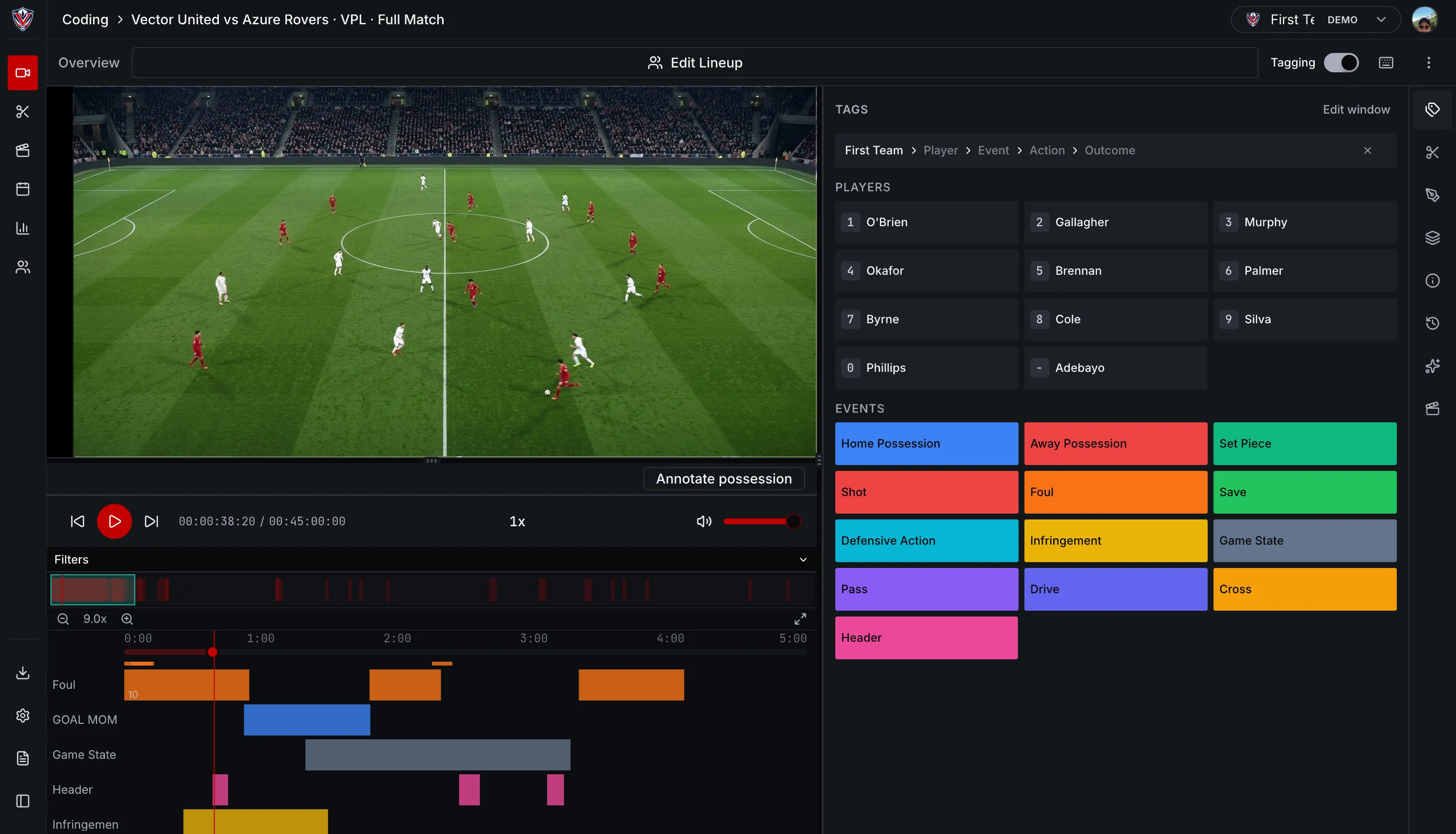
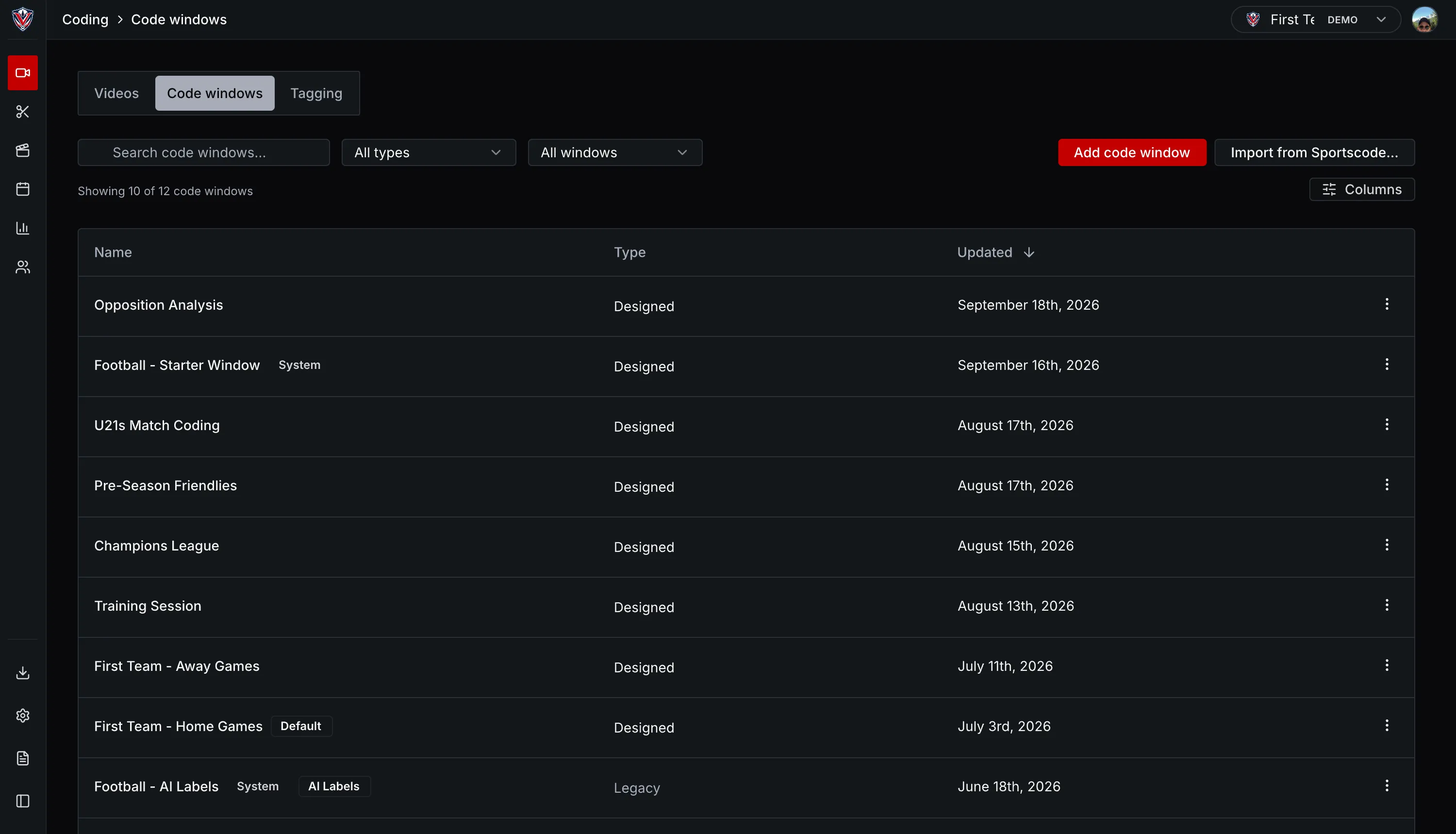
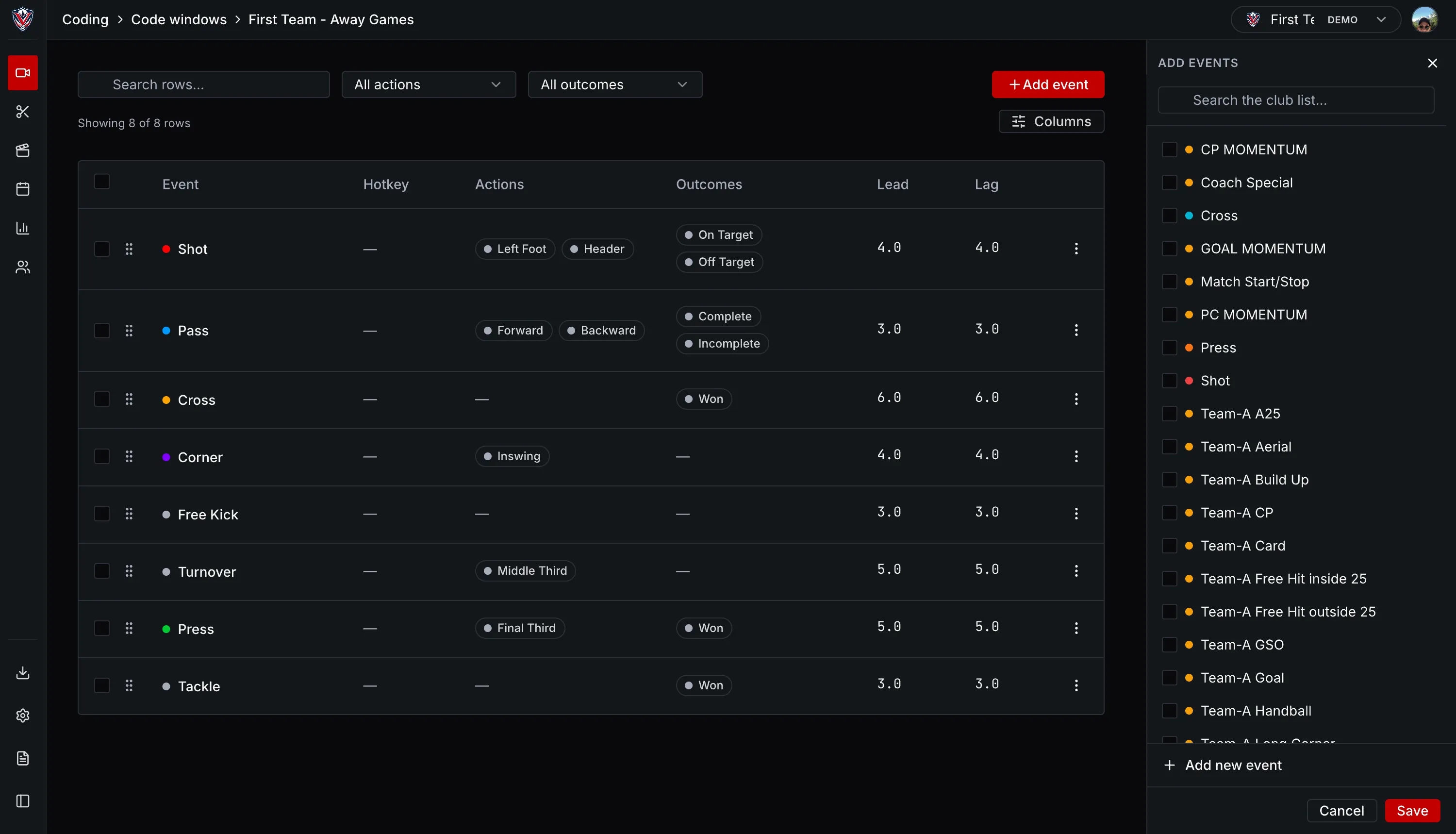
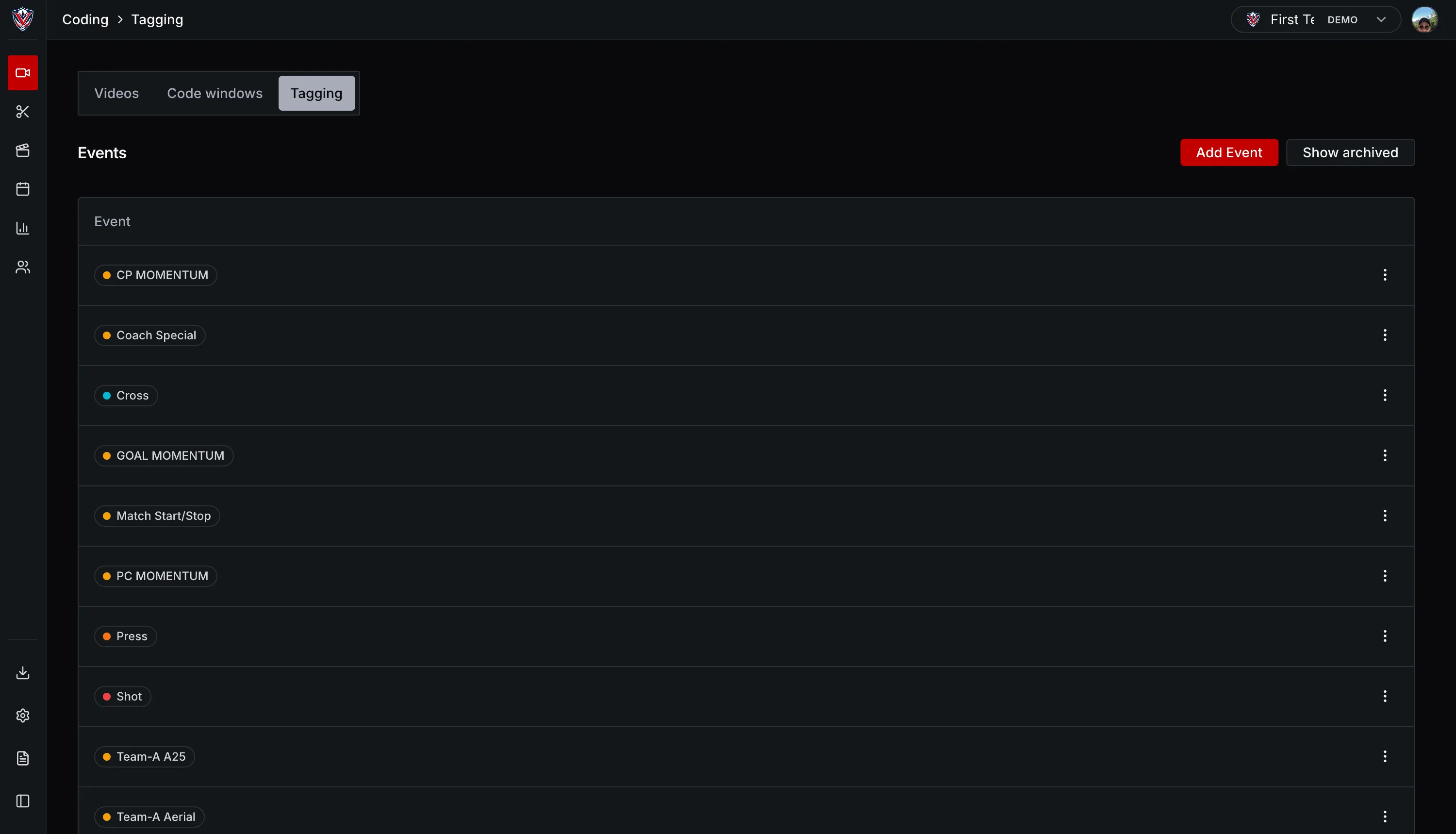
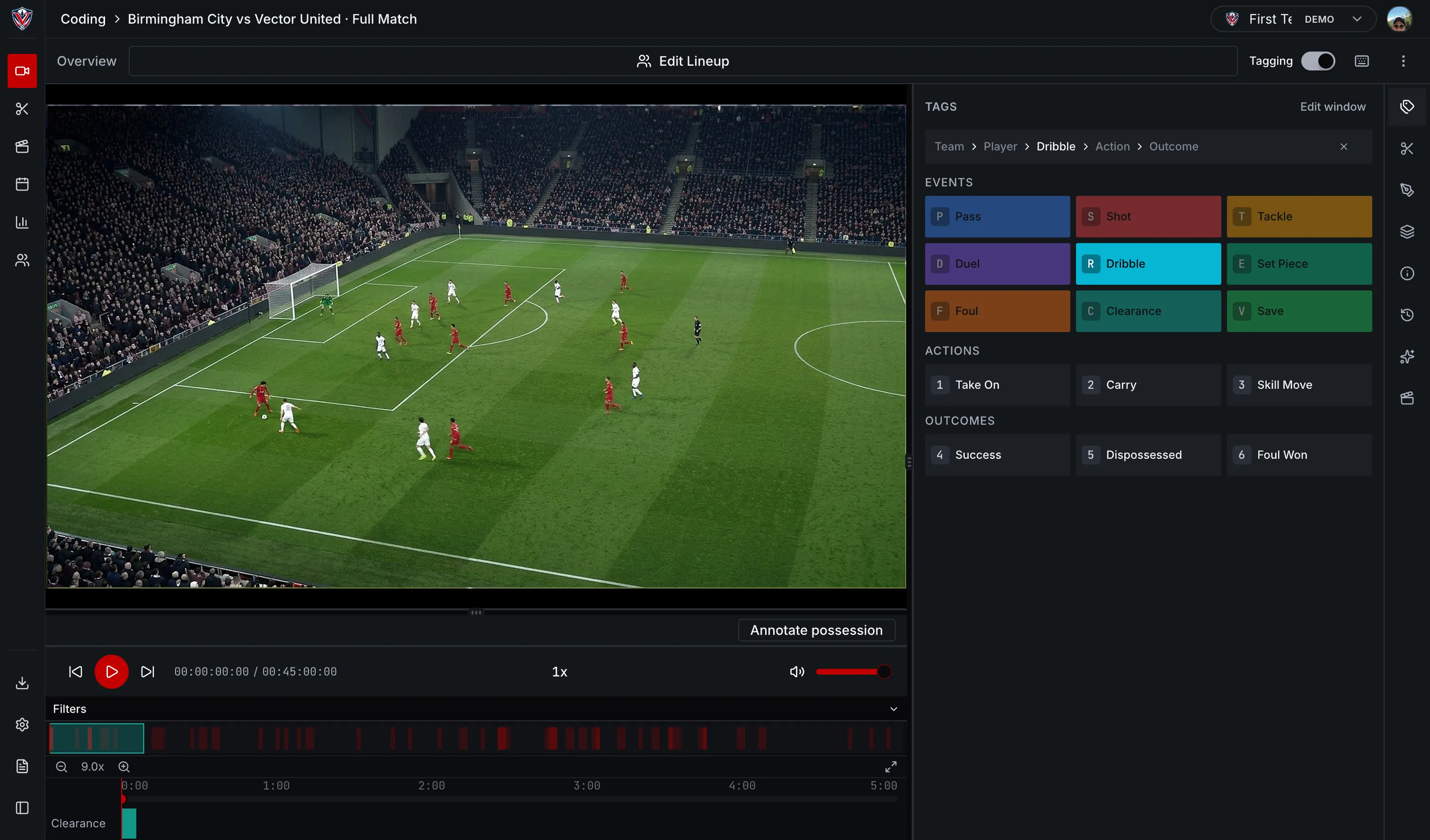
Build your own code windows, record the events that matter to you and keep control of how each match is analysed. Reuse your coding setup across matches, with player details, outcomes and substitutions recorded on the timeline.
- For football, A.I. proposes draft tags for you to review. See automated coding
- Import code windows and coded matches from Sportscode or Nacsport XML.
- Shared list of actions and outcomes for the whole club.
- Minutes played for every player, worked out from the substitutions you record.



Less time coding.
More time analysing.
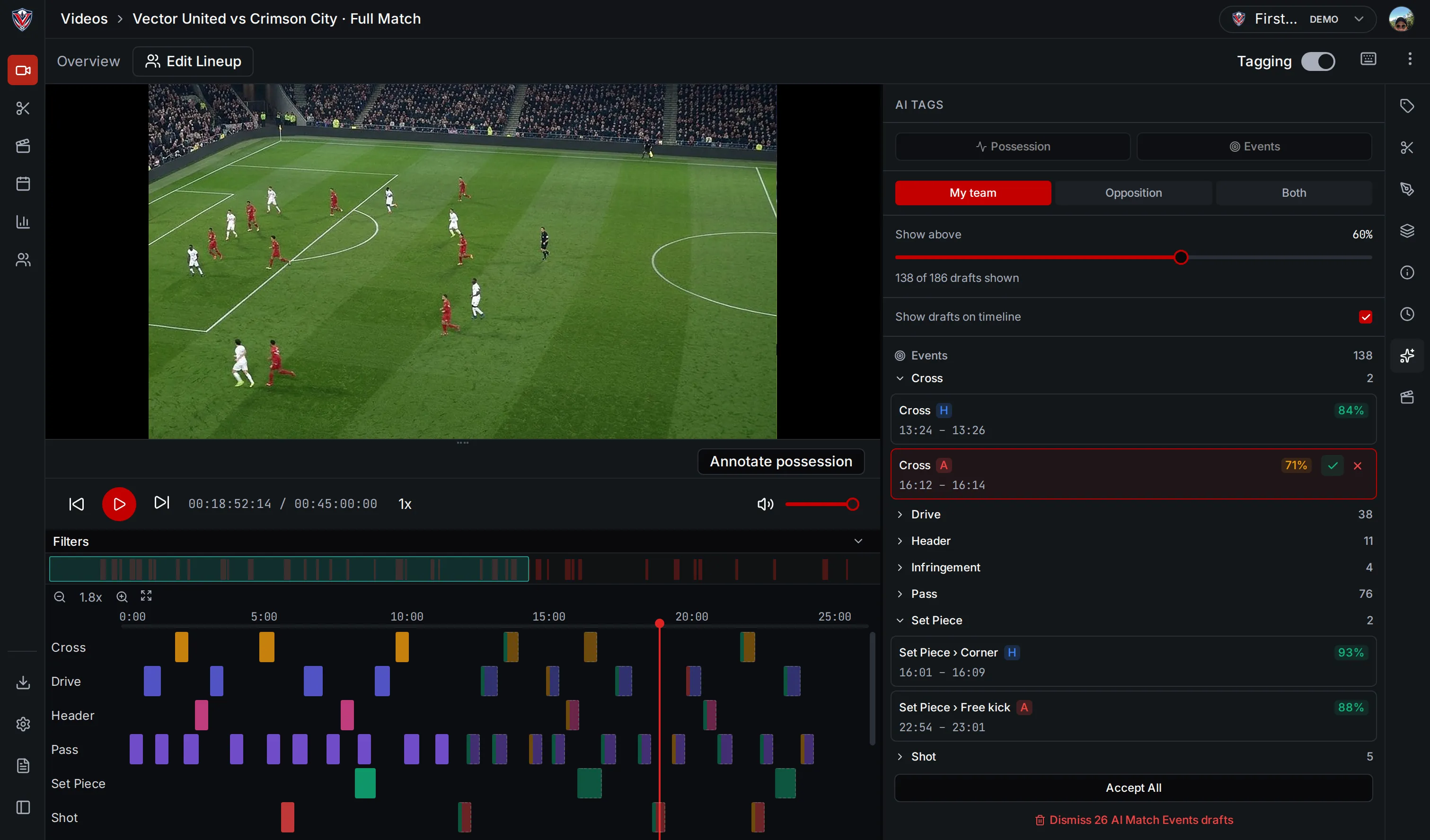
For football, VectorPitch’s A.I. takes a first pass at repetitive tagging, proposing event and ball-touch tags directly on your timeline. Review each draft, adjust it, accept it or delete it.
It’s a starting point for your analysis.
The model proposes tags across different event types and kinds of ball touch. It also tracks players, the ball and referees, with overlays on the video.
Cut clips, build playlists and present them.
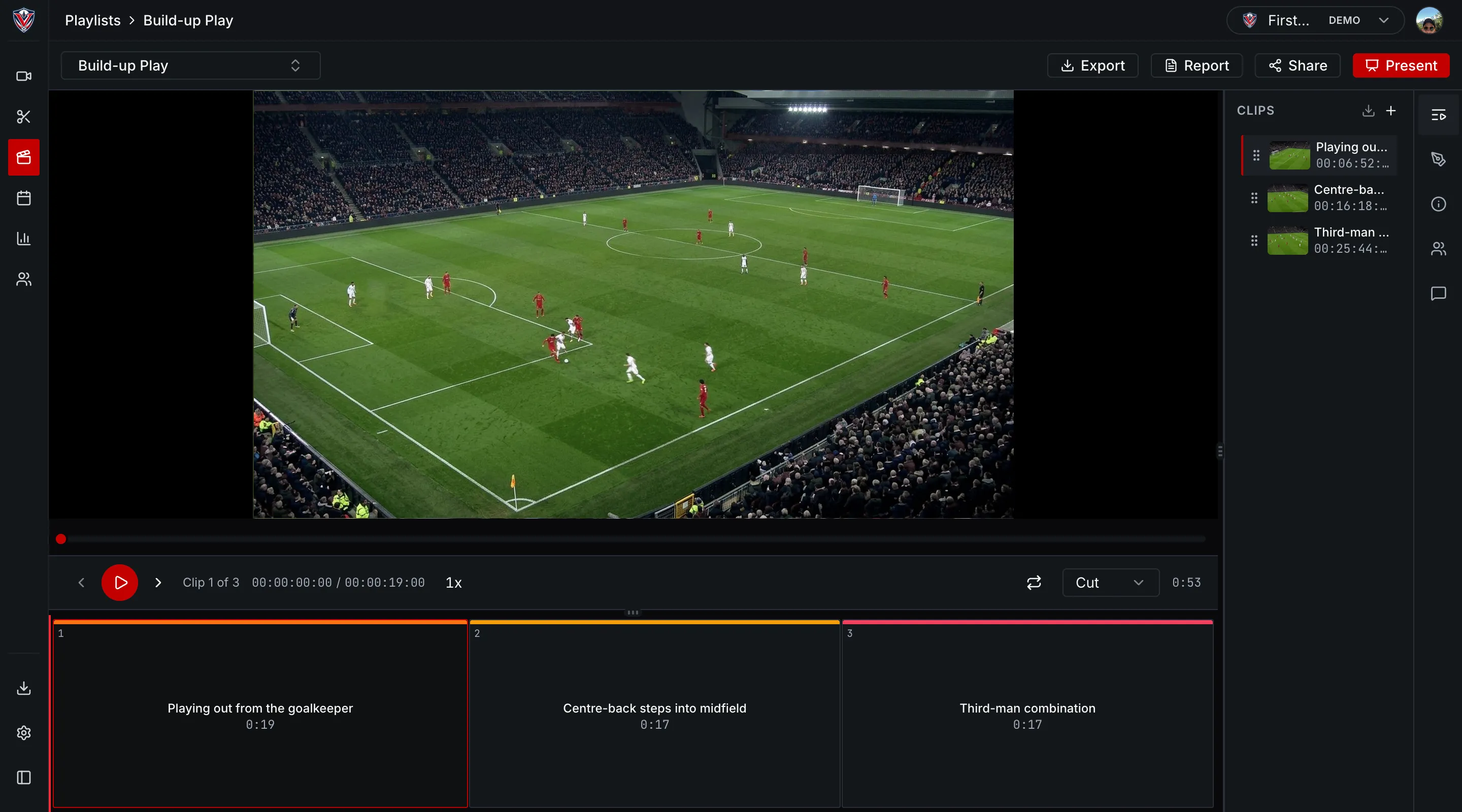
Cut a clip from any video with a start and an end point. Group clips into playlists for post-match, opposition, set pieces, individual players or training. Present from the playlist and draw on the video while you talk.
- Draw lines, arrows, circles, rectangles, freehand and text on the video.
- Cut, fade or dissolve between clips.
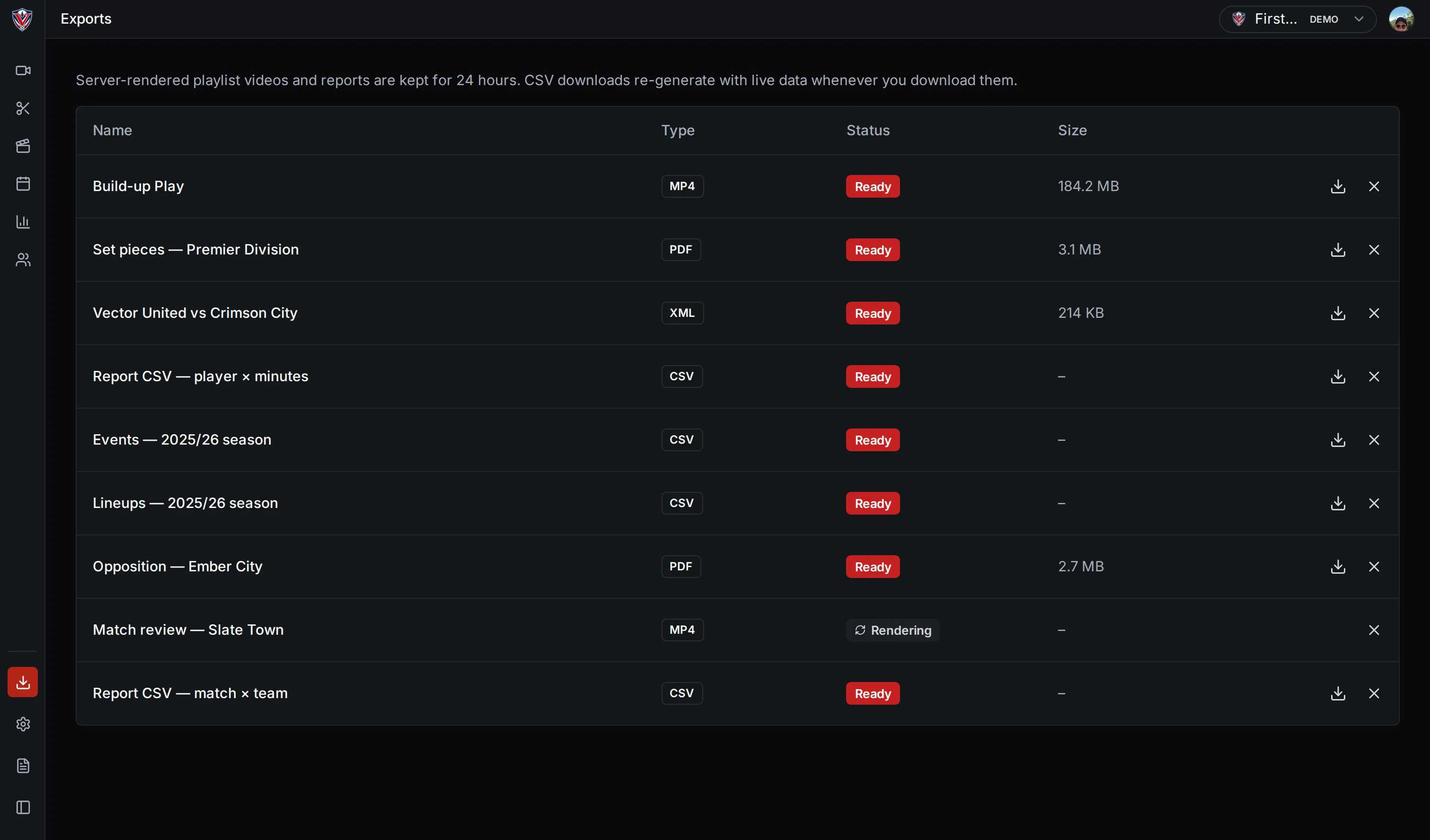
- Render a playlist to a video file or a PDF, then download it or share a link, with an optional password and expiry.

Manage matches and players, then report
and export.
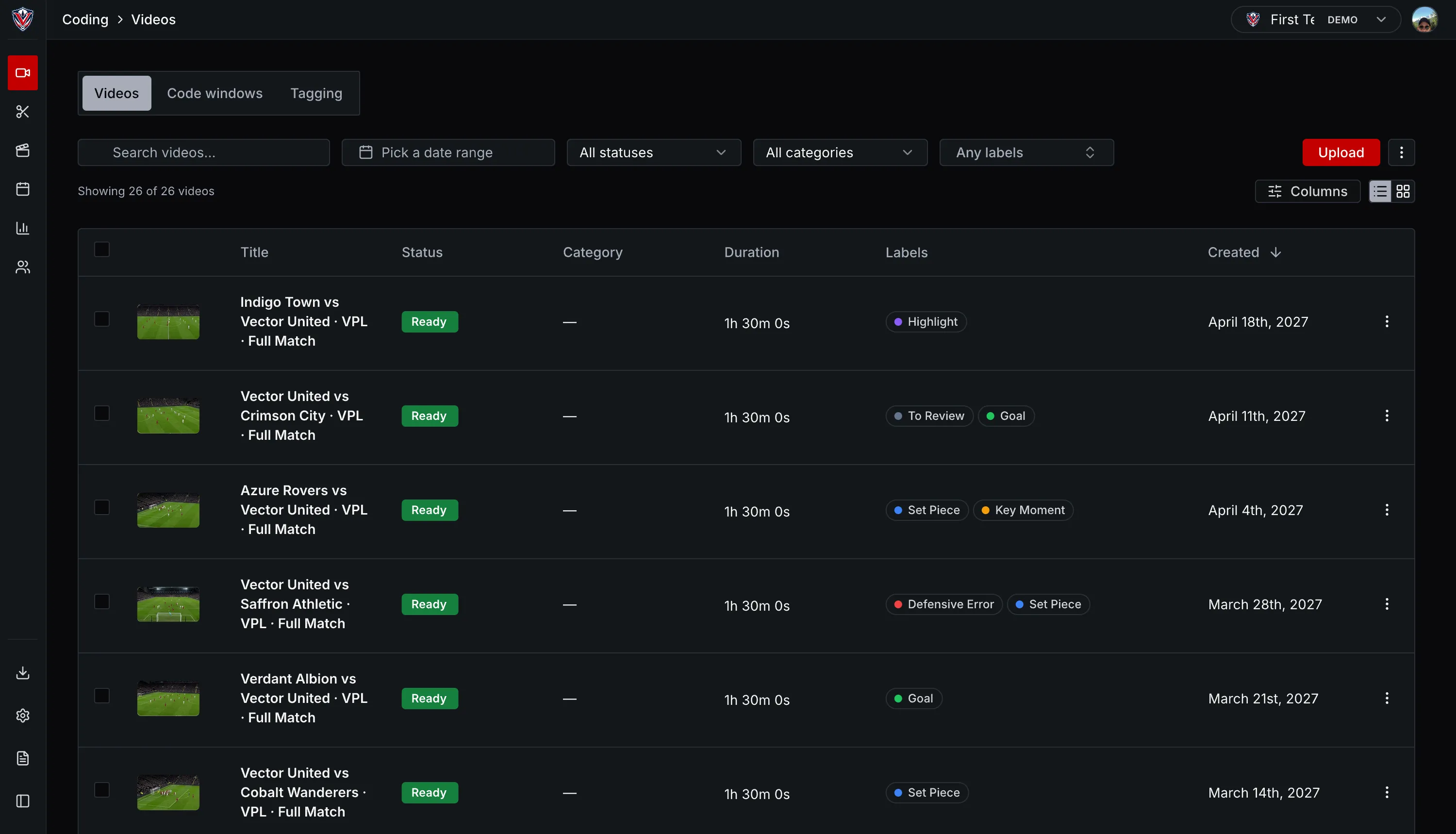
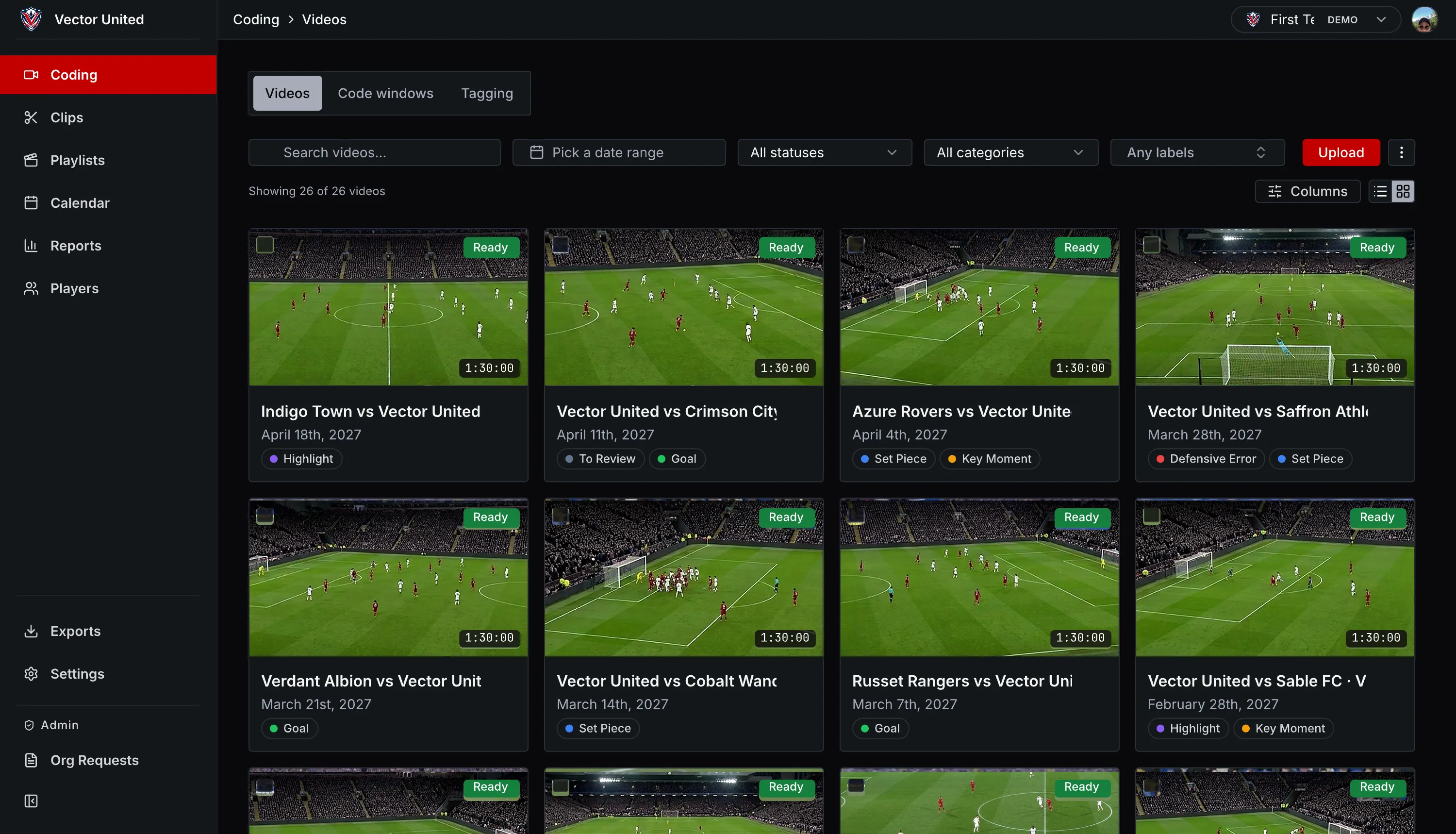
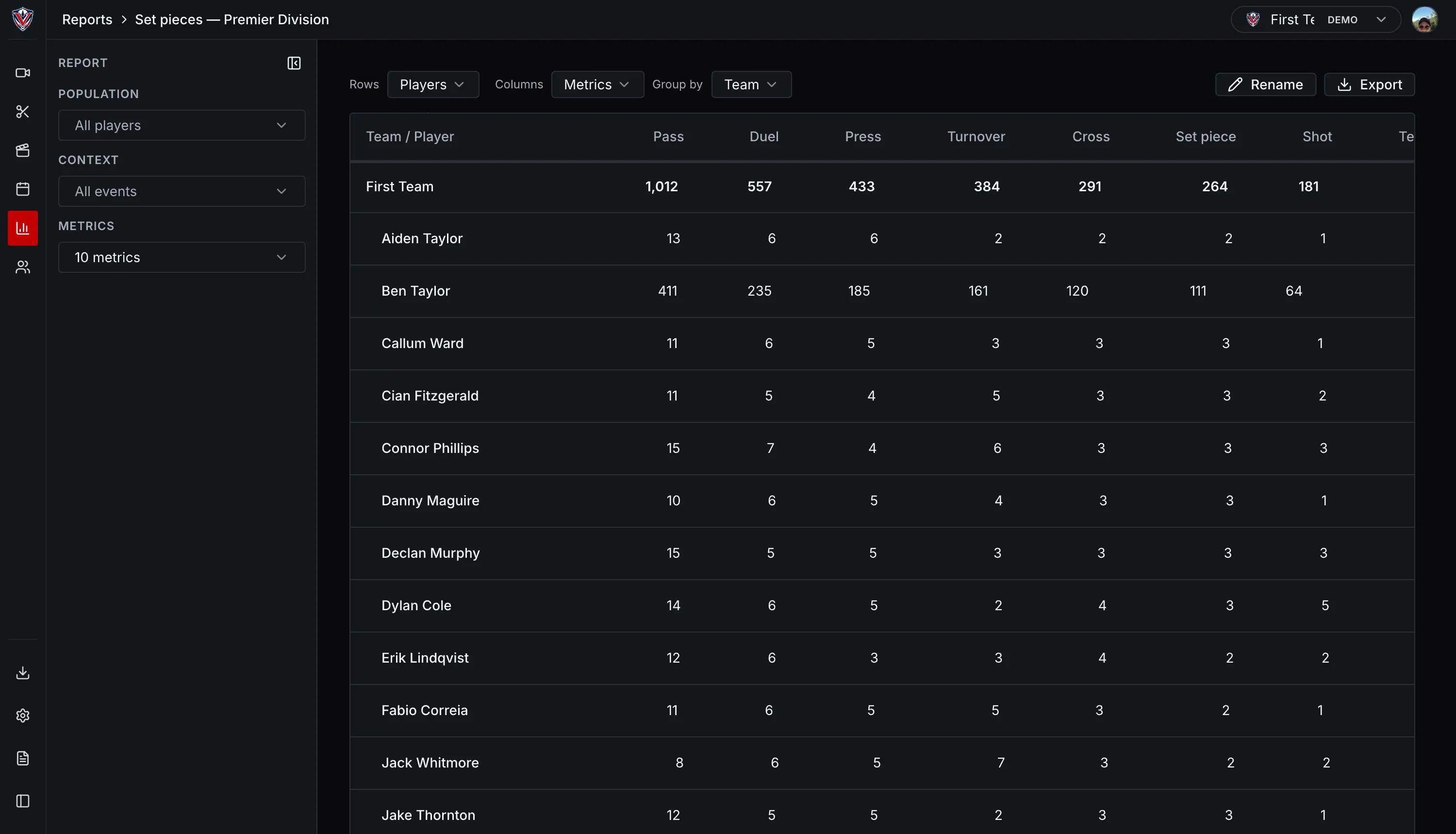
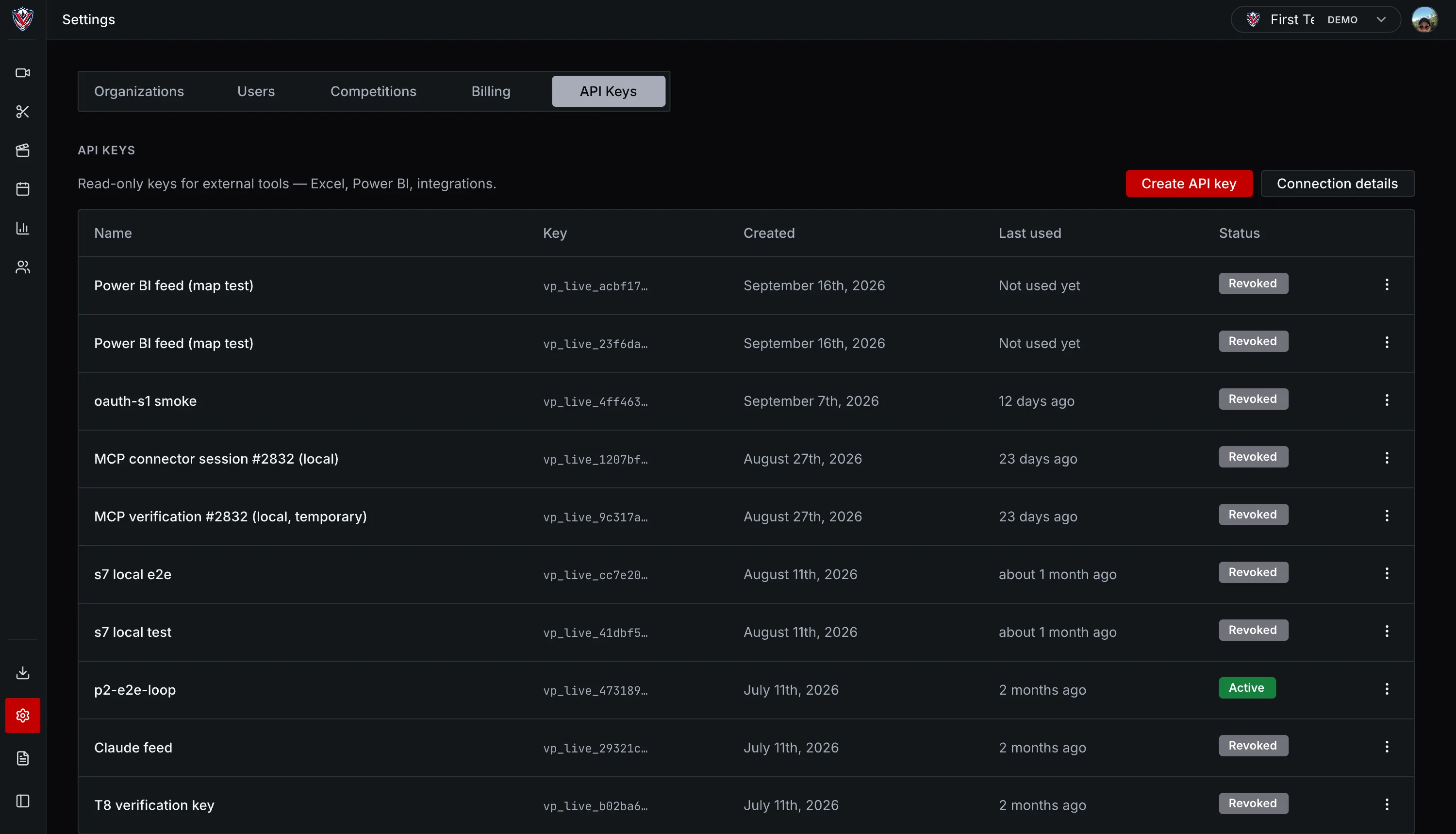
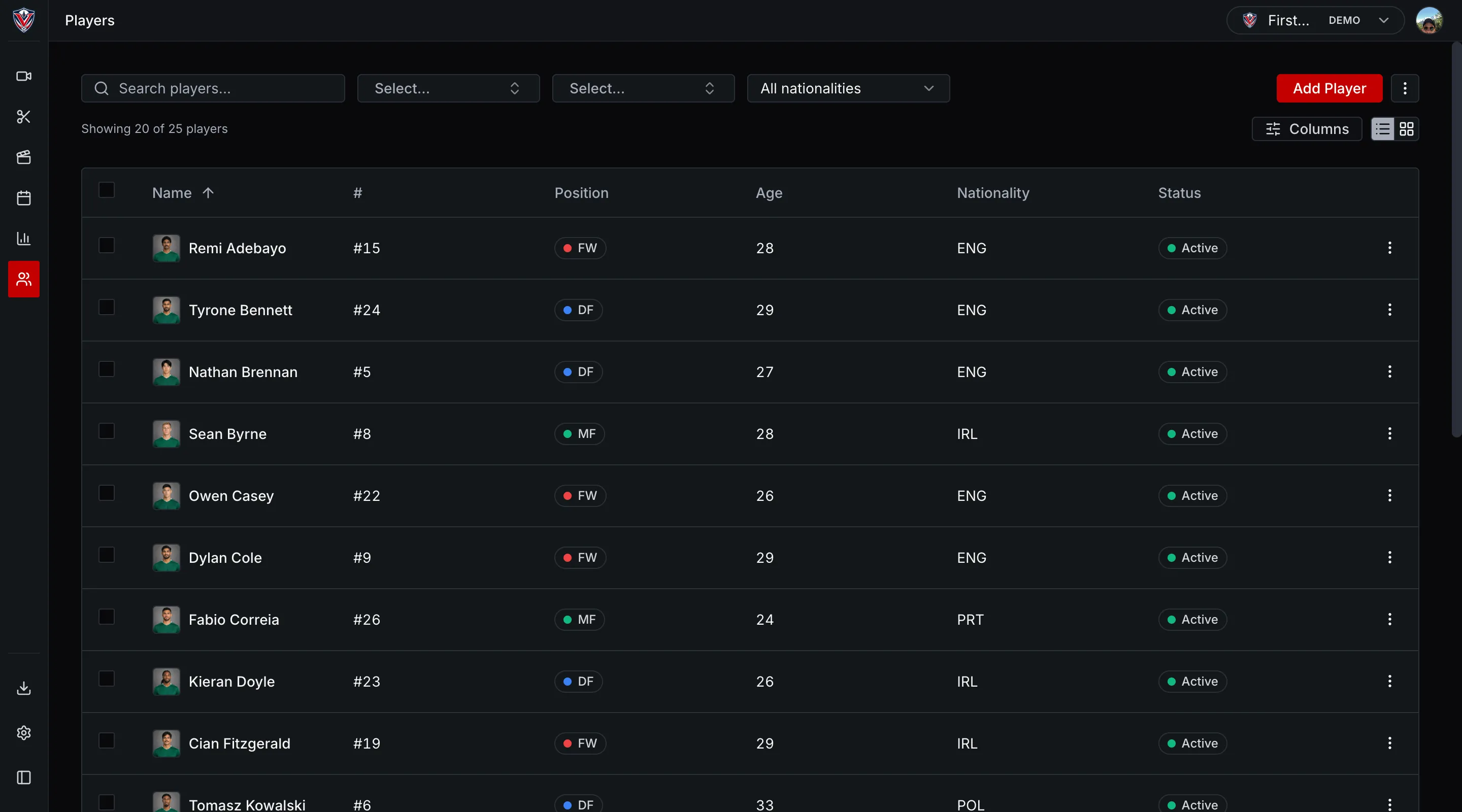
Keep match video, lineups, clips and player information together. Build reports from your analysis and export the results to the tools you already use.

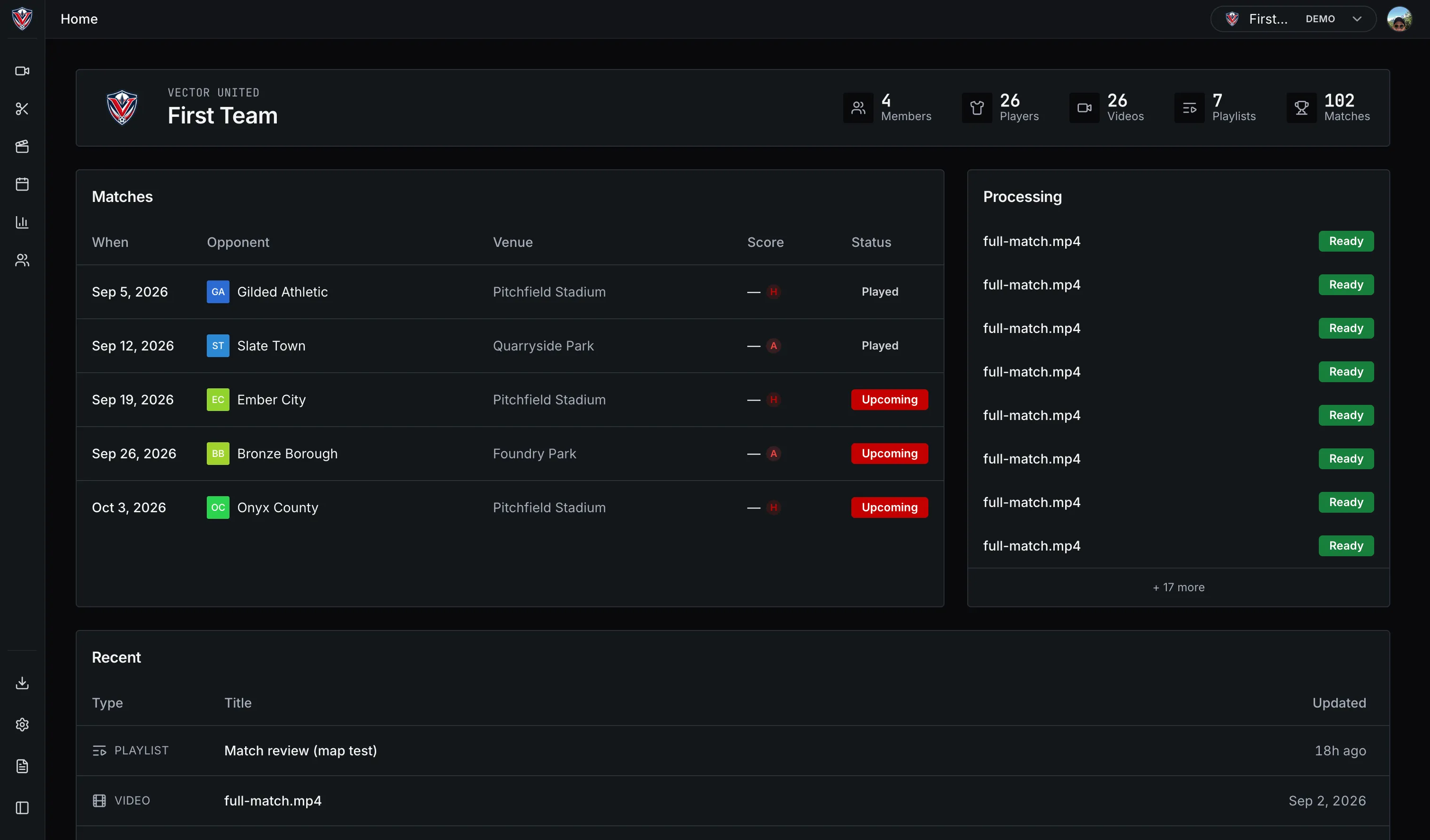
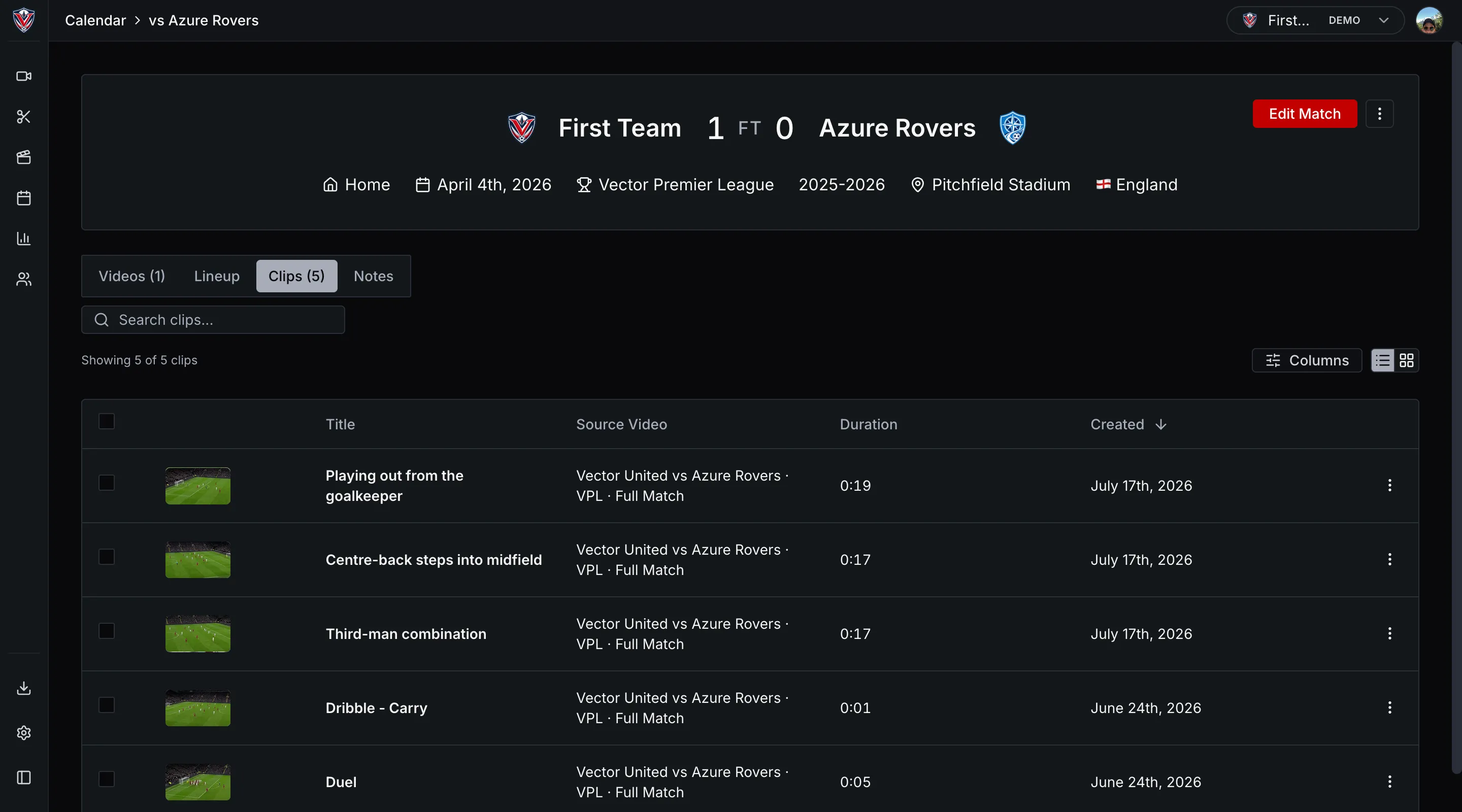
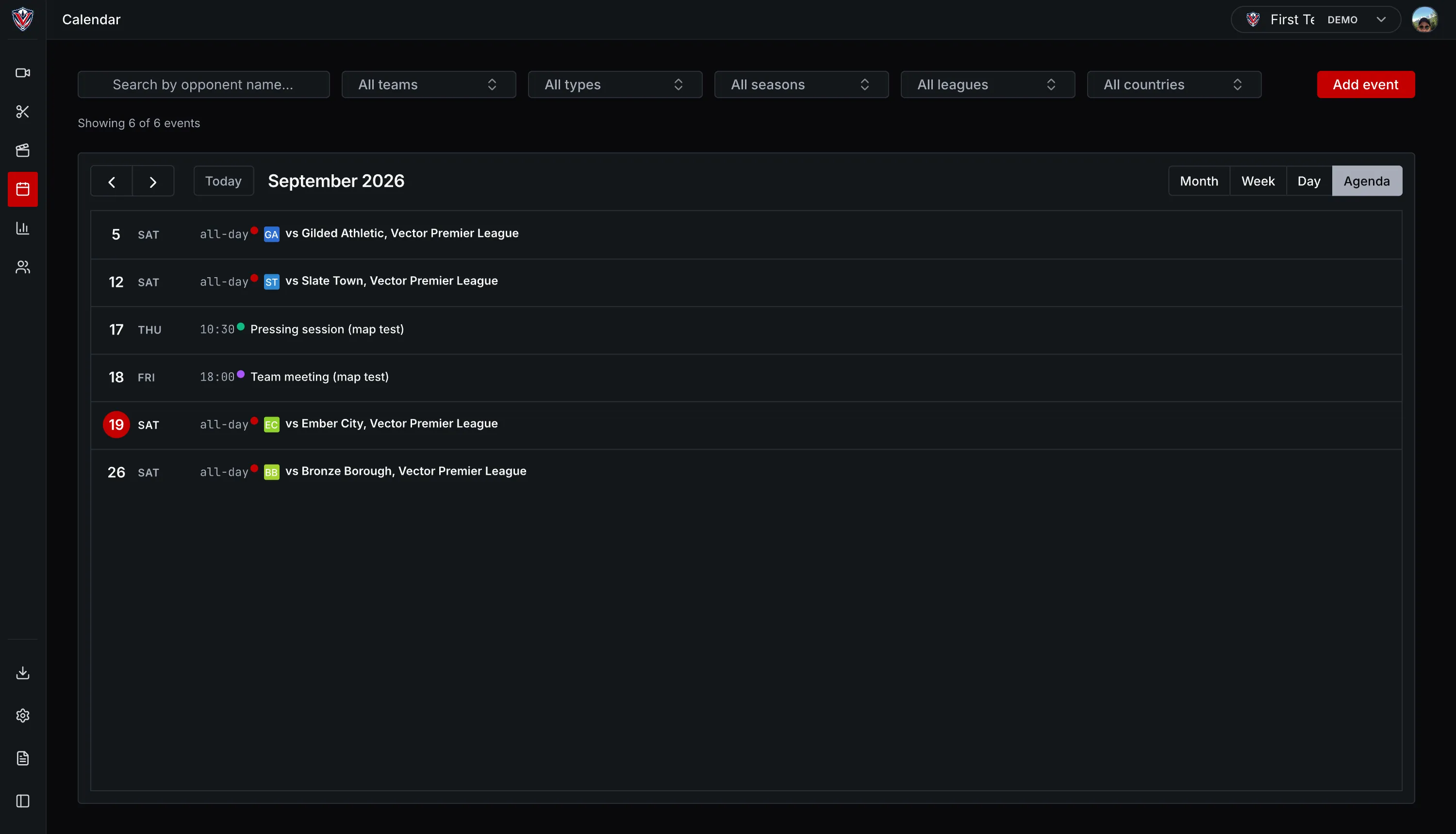
See your matches, recent work and uploads.
See upcoming matches, recent videos, playlists and upload progress.
Apply to use the beta.
High-quality video analysis shouldn’t depend on a top-flight budget. We’re recruiting ten football analysts to use VectorPitch with their own matches, give direct feedback and help shape the product and its pricing.
The beta is free.

WHAT YOU GET
- Free usage for the beta
- A direct line to the founders
- Real influence over what gets built
WHAT WE ASK
- Talk to us about how you actually work
- Use it with your own match and session videos, and tell us where to improve
FAQ
Frequently asked questions
01 What is VectorPitch?
VectorPitch is browser-based video analysis software for sports performance analysts. It combines manual tagging, clip libraries, telestration, and multi-team accounts, with A.I. auto-tagging for football. Founded 2026 in Ireland. We are building it because high-quality video analysis should be accessible to more teams than it currently is.
02 Which sports does it support?
Manual coding works for any sport. Upload your match video, build your own event types, and code on the timeline. Automated analysis is football-only, with other sports following once the football model is stable in production. That is why the first cohort of Founding Analysts is football.
03 What does the A.I. actually do today?
It takes the first pass at coding a football match. The model proposes tags across 17 event types plus five ball-touch types, and puts them on your timeline as drafts. You review them, accept them in bulk, and trim, retag or delete anything you disagree with. It will miss things.
04 Does it work alongside my existing tools?
Partly. Upload footage from any source as a file, whether that is Veo, Hudl, a handheld camera or broadcast, and import your existing Sportscode or Nacsport XML files: a code window imports as a template, a coded match imports as tags on the video. Export a Sportscode XML file per video, switched on per club: email support@vectorpitch.com to turn it on. Render playlists to video or PDF and download them, and export your events and match data as CSV or JSONL, using field names from the open Common Data Format standard.
05 Who is VectorPitch built for?
Analysts at clubs, academies, universities and semi-professional teams, plus anyone working with match video independently. We are built for teams without an enterprise data team or a top-flight budget. The mission is to make serious video analysis available beyond the best-funded programmes.
06 What about data security and ownership?
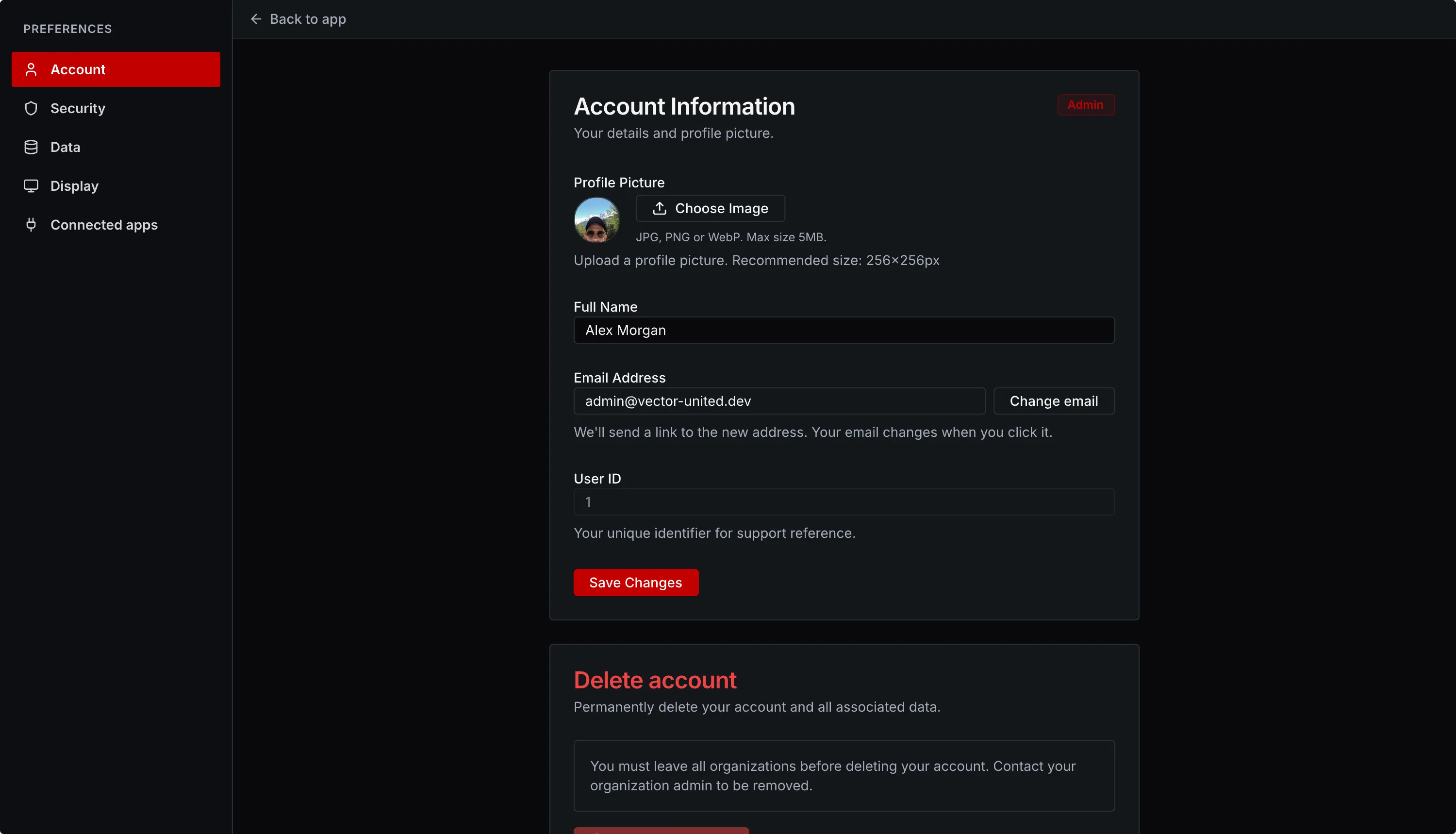
Your video and data stay yours. Four roles: viewer, analyst, coach, admin. Optional two-factor authentication. GDPR export, deletion and anonymisation are built in. Our AI Notice sets out how model improvement works, and we confirm your setting with you before you upload anything.
07 How much will it cost?
We have not published pricing yet. The beta is free for Founding Analysts. Shaping pricing around what teams can genuinely afford is one of the things we are asking the first cohort to help us get right, so we would rather set it with them than announce it at them.
08 What does "working beta" actually mean?
The product works end to end today. The beta exists so we can tune it against the workflows analysts actually use, week to week, instead of guessing. We are pre-launch and have no public users yet, so the first cohort genuinely designs what ships. We ask for feedback regularly and push improvements weekly.
09 What do Founding Analysts get, and what do you ask in return?
You get early access to the platform, direct contact with the founders, real influence over the roadmap, and a say in how pricing is set. We ask that you use VectorPitch with your own football video regularly, and tell us specifically where it fails rather than where it is fine. There are ten places.